How do you verify a serial number when a warranty claim comes in?
A practical walkthrough of serial number checks for hardware warranty claims, from label formats and lookup tables to what to do when the number does not match anything you shipped.
Why the serial number is the anchor of every claim
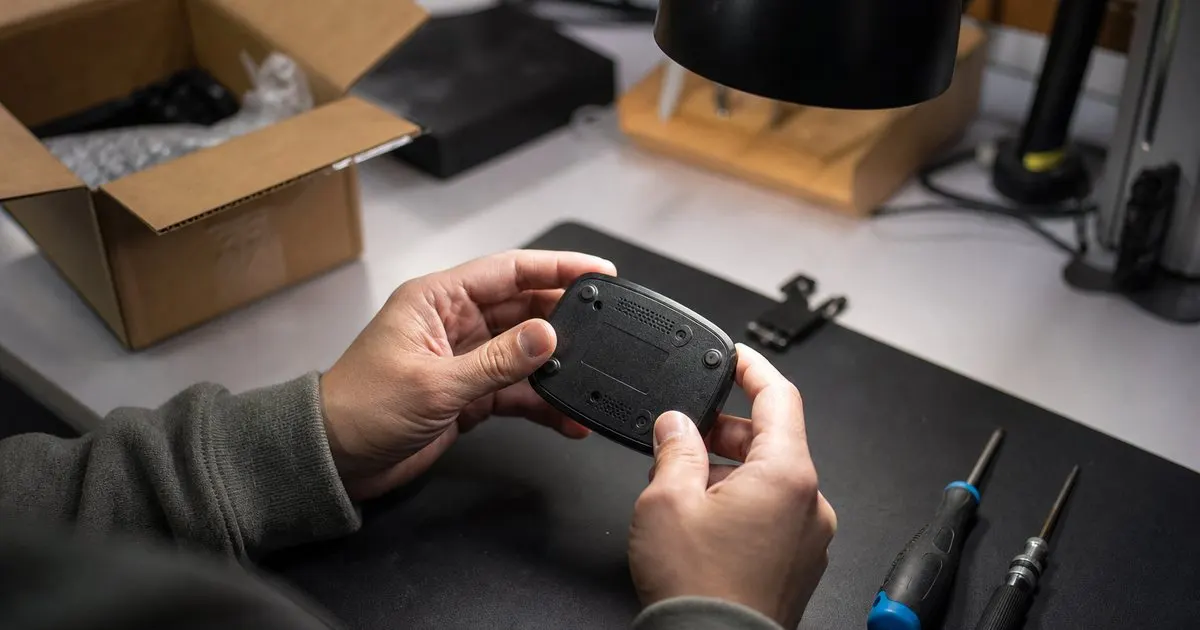
A serial number is the only piece of information on a warranty claim that ties a specific physical unit to a specific production run, ship date, and sales channel. Names change, emails get abandoned, receipts get lost, but the number printed or etched on the unit was assigned by you at the factory or the packing station. When a claim comes in, that number is what lets you answer the three questions that matter: did we make this, when did it leave our hands, and is it still inside its coverage window. Related: Handling a Warranty Claim Well
The problem is that most small hardware brands treat the serial as a label rather than a record. It gets printed, it gets boxed, and nobody stores the mapping between the number and the batch it came from. Verification then becomes guesswork. The fix starts upstream: before you can verify anything, you need a table somewhere (a spreadsheet is fine at the start) that records every serial range you have ever issued, along with the product variant, the production date, and where that batch was shipped.
Keep reading: Why Warranty Registration Matters for Your Brand, Turning Warranty Into a Customer Relationship, Handling a Warranty Claim Well. See how WarrantPilot helps you warranty registration and claim tracking for hardware brands.
Building a serial format you can actually check
A good serial format encodes just enough structure to be checkable without a database lookup. Many brands use a short prefix for the product line, a code for the production year and month, and then a sequential counter. That way a support agent can look at a number and immediately tell whether it is plausible: the prefix must match the product the customer named, the date code must fall in a period when you were actually building that product, and the counter must sit within the range issued for that batch. Related: Building Trust Through Your Warranty
Add a check digit if you can. A simple checksum appended to the end catches most typos and transcription errors, which are far more common than fraud. When a customer types a serial into a registration or claim form and the check digit fails, you can prompt them to look again instead of opening a case on bad data. Avoid characters that are easy to confuse in print, such as the letter O and the digit zero, or the letter I and the digit one. Small choices at the label design stage save hundreds of confused support conversations later. Related: Why Warranty Registration Matters for Your Brand
The verification steps that catch real problems
When a claim arrives, work through a fixed sequence. First, confirm the serial format is valid for the product claimed. Second, look up the serial in your issued ranges and confirm it was actually produced. Third, check whether it was registered, and if so whether the registration details line up with the person filing the claim. Fourth, check whether this serial already has an open or closed claim. A number that has already been replaced once, or that shows up on claims from three different people, needs a human to look at it before anything ships.
Ask for a photo of the serial label rather than just the typed number. A photo confirms the label exists on a physical unit, shows the label's condition, and often reveals the product variant or color that the customer forgot to mention. Keep the request light: a phone picture is fine, and you should accept it even if it is slightly blurry, as long as the number is legible. Store the photo with the claim so anyone who picks up the case later can see what the original agent saw.
What to do when the serial does not match
A serial that fails verification is not automatically a rejection. The most common causes are innocent: the customer read the model number instead of the serial, they read from the box instead of the unit, or a label printing error at your own packing station issued a number outside the expected range. Before you deny anything, ask the customer to send a photo, compare it against your ranges, and check your own production records for known label mistakes. Being wrong about a denial costs you far more than the extra ten minutes of checking. Related: Common Warranty Handling Mistakes
If the serial is genuinely unknown, you may be looking at gray market inventory, a counterfeit, or a unit that was sold through a channel you did not authorize. Each of those needs a different response, and the response should be written down in advance so agents are not improvising policy under pressure. A short internal decision guide, reviewed by whoever owns your legal exposure, keeps denials consistent and defensible. Log every unknown serial with the photo and the customer's story; patterns in that log are how you discover a counterfeit problem before it hurts your reputation.
- Record every serial range you issue, with variant, build date, and destination channel, before the first unit ships.
- Design serial formats with a product prefix, a date code, a sequential counter, and a check digit so agents can spot bad numbers instantly.
- Verify in a fixed order: format, issued range, registration match, prior claim history, then a photo of the label.
- Treat a non-matching serial as a question to investigate, not an automatic denial, and log every unknown number.

Julien Jimenez
Julien Jimenez is an independent software builder based in Paris. He designs, ships, and operates focused SaaS products for small businesses and independent professionals. Read the full author page.
Turn warranties into a customer relationship
Warranty registration and claim tracking for hardware brands. WarrantPilot is built to help you put this into practice.
Set up warrantiesMore from the WarrantPilot blog
Why Warranty Registration Matters for Your Brand

Turning Warranty Into a Customer Relationship

Handling a Warranty Claim Well
Get the WarrantPilot playbook
Practical guides on warranty management, straight to your inbox as we publish them. No spam, unsubscribe any time.